

WaveKey
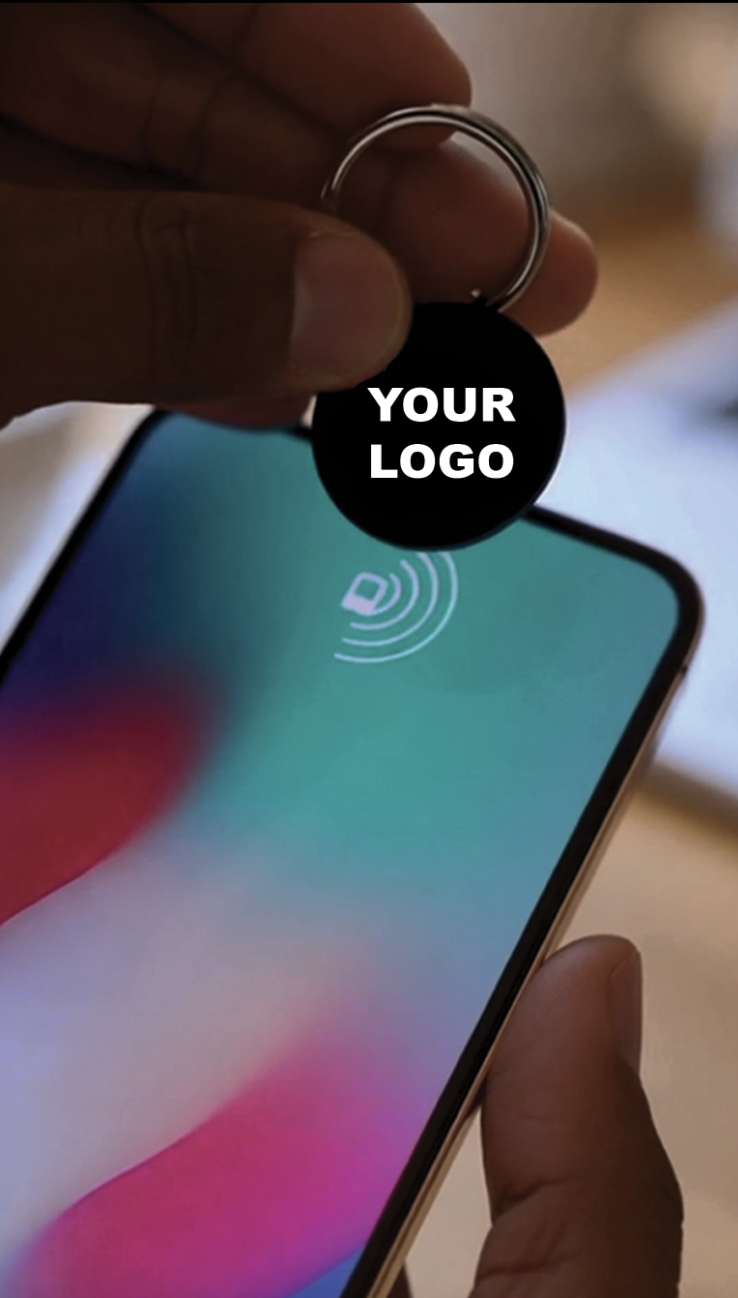
Wave goodbye to business cards.
Forever.
Why WaveKey is better
-
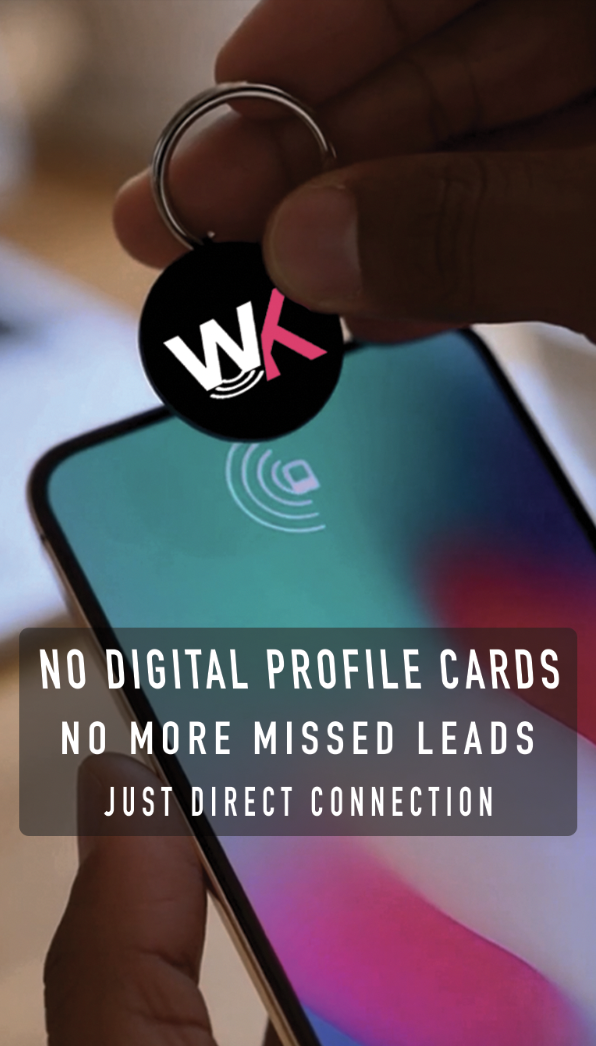
One tap opens their email and creates a message to you with the subject and body already filled in. Just tap Send, and their email will be in your inbox! No more waiting for them to contact you.
-
One tap directly opens your Instagram on their phone, making following as easy as a tap. No secondary clicks needed.
-
One tap directly opens your website on their phone. No secondary clicks needed.
-
Share any single website, social media, contact card, etc. with a single tap.
WaveKey for Basic Plan
$13/mo with no contract
$49 setup fee - 1 WaveKey
1 Replacement key per 6 months
1 Reflash per 6 months
WaveKey for Basic Plan
$29/mo with no contract
$99 setup fee - 3 WaveKeys
Buy 2 WaveKeys get 1 free
26% Subscription Discount
1 Replacement key per 6 months
1 Reflash per 6 months
WaveKey for Basic Plan
37% Subscription Discount
$99/yr with no contract
1 Free WaveKey
No Setup Fee
3 Replacement key per year
3 Reflash per year
Business & Corporate Accounts
Get up to 90% discounted rate and free CUSTOM WaveKeys for bulk business purchases. Contact us below for business accounts.
How to use WaveKey
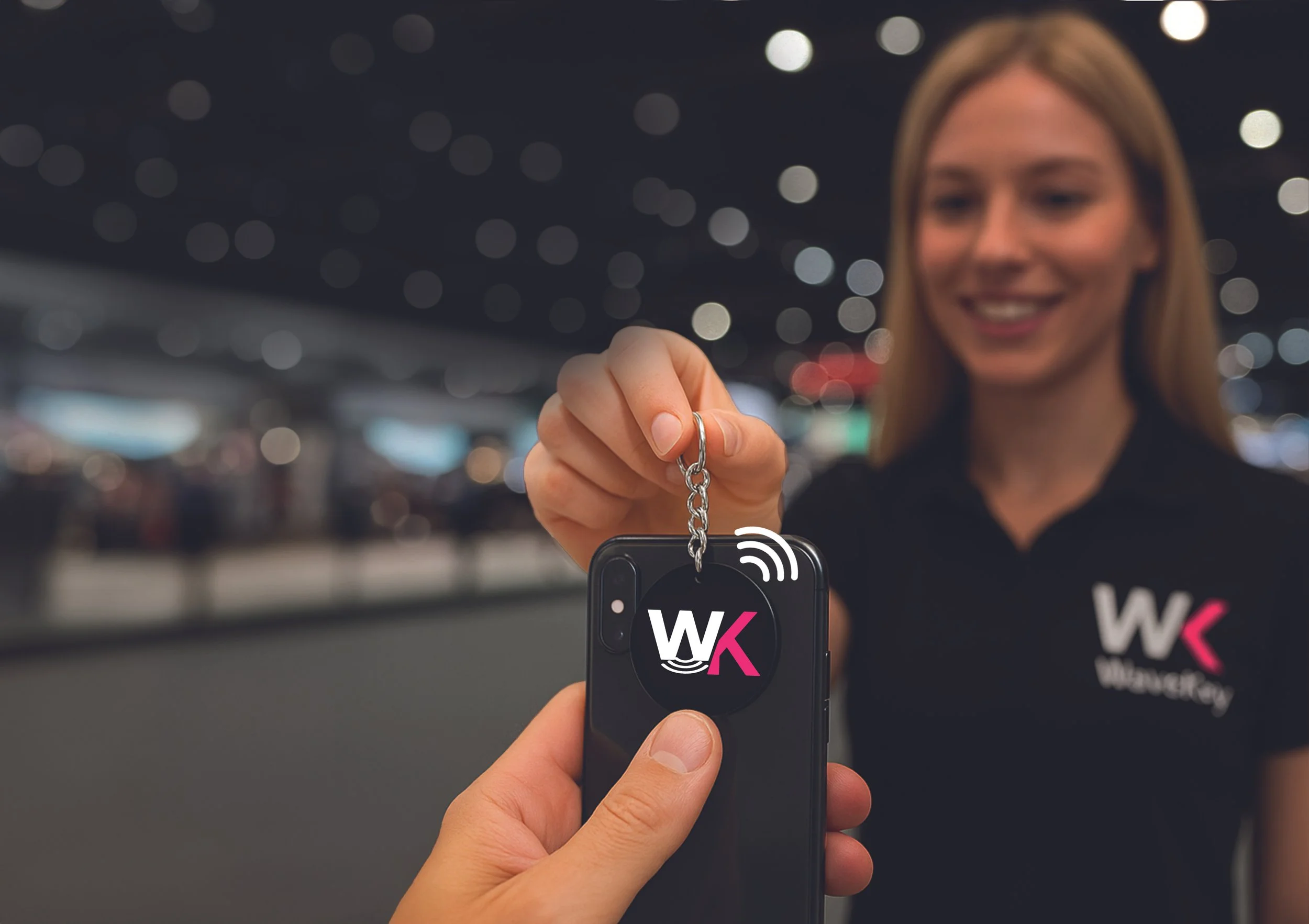
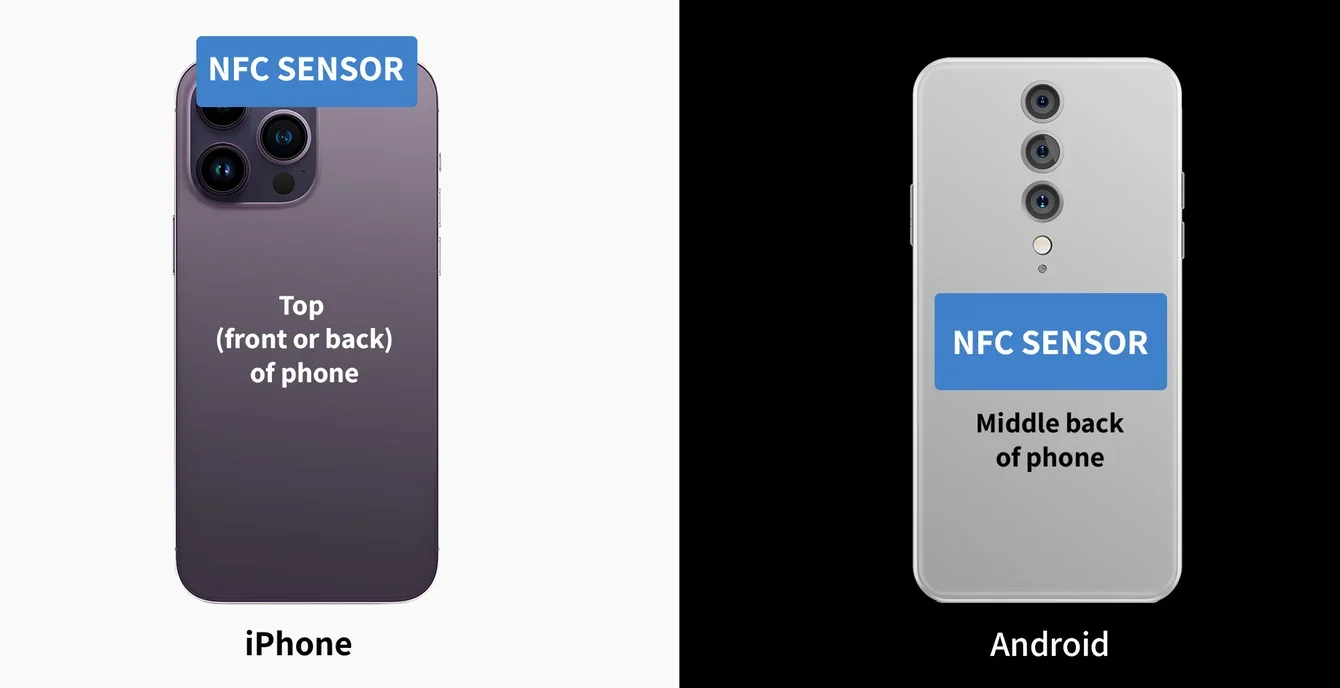
On iPhone, the NFC sensor is at the top of the phone, while on Android, the NFC sensor is located at the center back of the phone.
NOTE: The NFC sensor can be easily turn on and off on Android. A QR code is also printed on the card as a backup in the rare case the NFC doesn't work.
How to "tap" WaveKey
Simply HOLD your card for 1 second near the phone NFC sensor. A notification will popup.
It is rare that the NFC sensor doesn't work as most phones now have the technology. However, Android phones are trickier as there are many brands and sometimes large or metal cases can block the sensor and make it difficult to detect the WaveKey.
FAQs
-
Only one link or bit of information can fit on one WaveKey. Our goal is simplicity.
-
We offer a Reflash of your wavekey, depending on the subscription you’ve signed up for.
-
We offer a replacement of WaveKeys depending on your subscription.